Free Claude Code skill · Animation
Make a paper-cutout explainer video with AI
Give Claude a topic. The skill writes and fact-checks the script, voices it, writes your image prompts, animates every scene on the spoken word and renders a 1080p video.
Watch what it makes
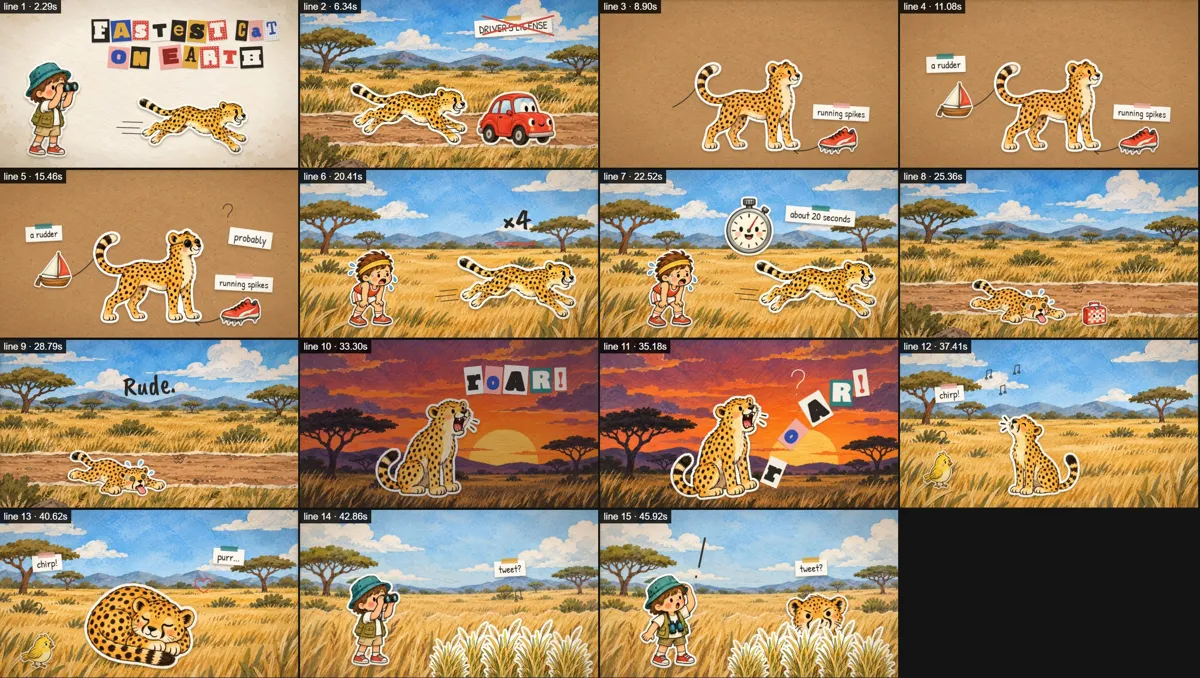
A 48-second cheetah explainer made with the skill, followed by how it was made. Loading the player connects to YouTube.
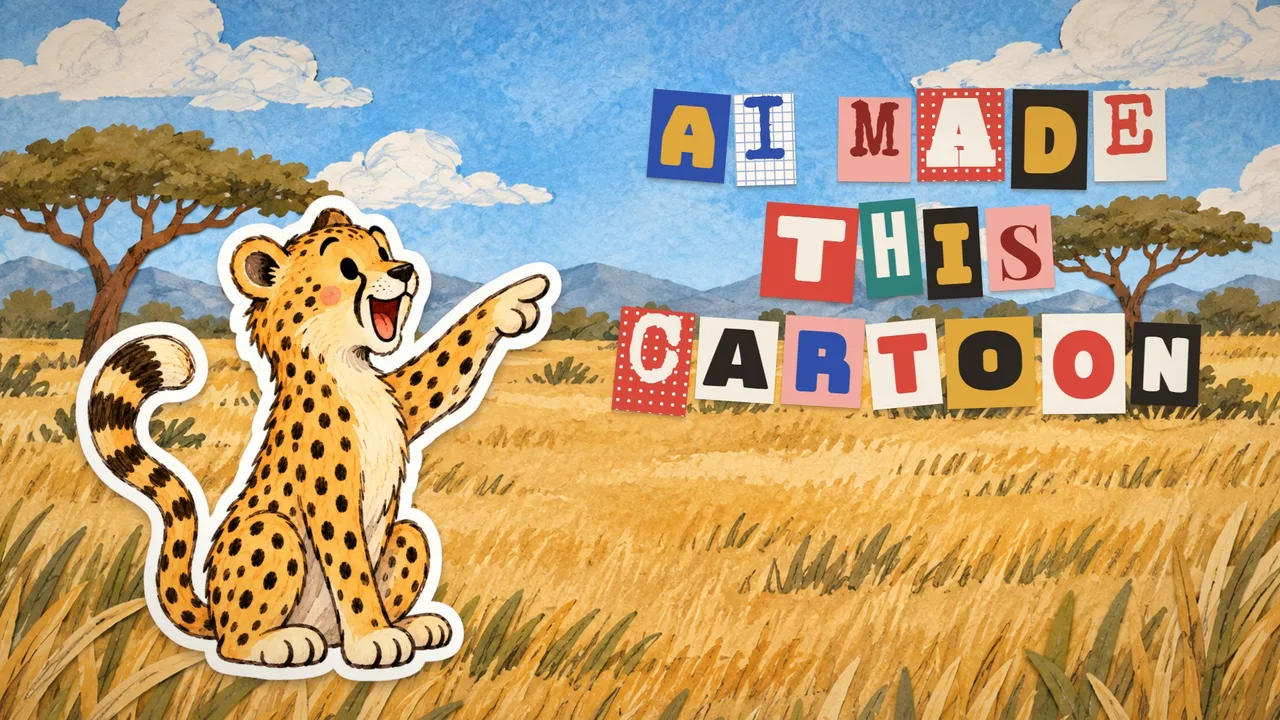
From a topic to a finished video
You talk to Claude in plain language. At every step it proposes a concrete option, you keep it or change it, and you can go back at any time.
- Angle. Three ways to tell your topic, each with a hook and a payoff.
- Script. About 120–140 words for a minute, short lines, facts checked against sources.
- Voice. Claude auditions several voices, records the one you pick with word-level timing.
- Storyboard and images. Claude writes one prompt for a storyboard and one for every cutout and background. You paste them into ChatGPT.
- Animation. Every cutout, title and doodle appears on the exact word it illustrates.
- Self-check. Claude renders a still after every line and fixes what it sees before showing you.
- Render. 1920×1080, 30 fps, H.264, mixed to −14 LUFS for YouTube.
What you need
- Claude Code
- Runs the skill on your computer.
- Node.js 18+, Python 3.9+, ffmpeg and Chrome or Edge
- The skill checks them first and tells you how to install anything missing.
- A Cartesia API key
- For the voice-over. Set it in your terminal; the skill never writes it to a file.
- ChatGPT with image generation
- For the images. You paste the prompts the skill writes.
- Optional: an AI music tool
- The skill writes a music prompt timed to your voice-over. Without music you get a voice-only mix.
Install
- Download and unzip the skill.
- Copy the
paper-explainerfolder to~/.claude/skills/(on Windows:%USERPROFILE%\.claude\skills\). - Restart Claude Code and ask for a video:
Make an animated explainer about why octopuses have three hearts.No Claude Code? Use the free chat prompt
Paste it into ChatGPT, Claude or another chat assistant. It works through the same steps with you and gives you a script, a storyboard prompt, image prompts, a music prompt and an edit plan you can assemble in CapCut or any video editor. The animation itself is then up to you.
You are my director and writer for a ~45–60 second animated explainer video in a "paper-cutout storybook" style. Work with me step by step. At every step propose a concrete option first, then let me change it. Ask at most two questions at a time. Speak my language in chat; the video itself is in English unless I say otherwise.

THE LOOK (use it in every image prompt)
Children's-storybook paper collage: every character and prop is a watercolor + colored-pencil illustration cut out of paper with a thick white die-cut border and visible paper grain, layered flat on textured paper backgrounds (cream watercolor paper, kraft cardboard, watercolor skies, torn-paper landscapes). Cute, round, chunky characters with black dot eyes and blush cheeks; objects can have faces. Warm muted palette: tomato #d9483b, mustard #e0a73a, teal #2f7f7a, ultramarine #2f4fa8, olive #7c8a3c, sage #9dbb8e, blush #f1a9a0, cream #f3ecdf, kraft #b98f5e, ink #2b2622. Never 3D, glossy, photoreal or glowing. Text on screen is short: a ransom-note title (each letter on its own paper tile), small labels on cream paper tags with washi tape, one punchline word in brush lettering.

STEP 1 — ANGLE
Ask for my topic if I haven't given it. Offer 3 angles, each as: a hook question → the surprising payoff. Recommend one. Propose a recurring hero (default: a curious kid with an outfit that fits the topic) and the tone (curious, warm, dry humor).

STEP 2 — SCRIPT
Write 14–20 short lines, 110–140 words total (≈ 45–60 s). One line = one visual beat. Shape: hook question → the amazing part (with one concrete comparison) → a rule-of-three list with a comic last item → the twist → the reveal word → a callback with the hero and a dry punchline. Use only facts you are confident about; mark anything uncertain with "about" / "probably" and tell me which facts I should double-check. Show the script as a numbered list with an estimated duration (≈ 2.4 words per second).

STEP 3 — SCENES
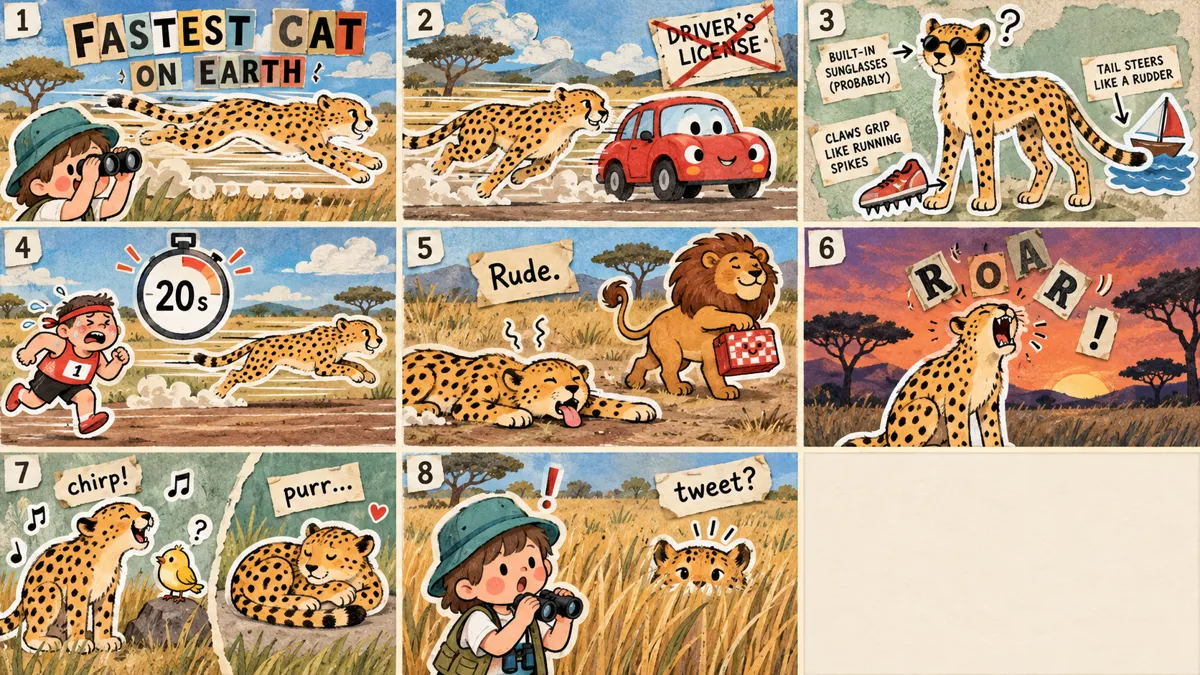
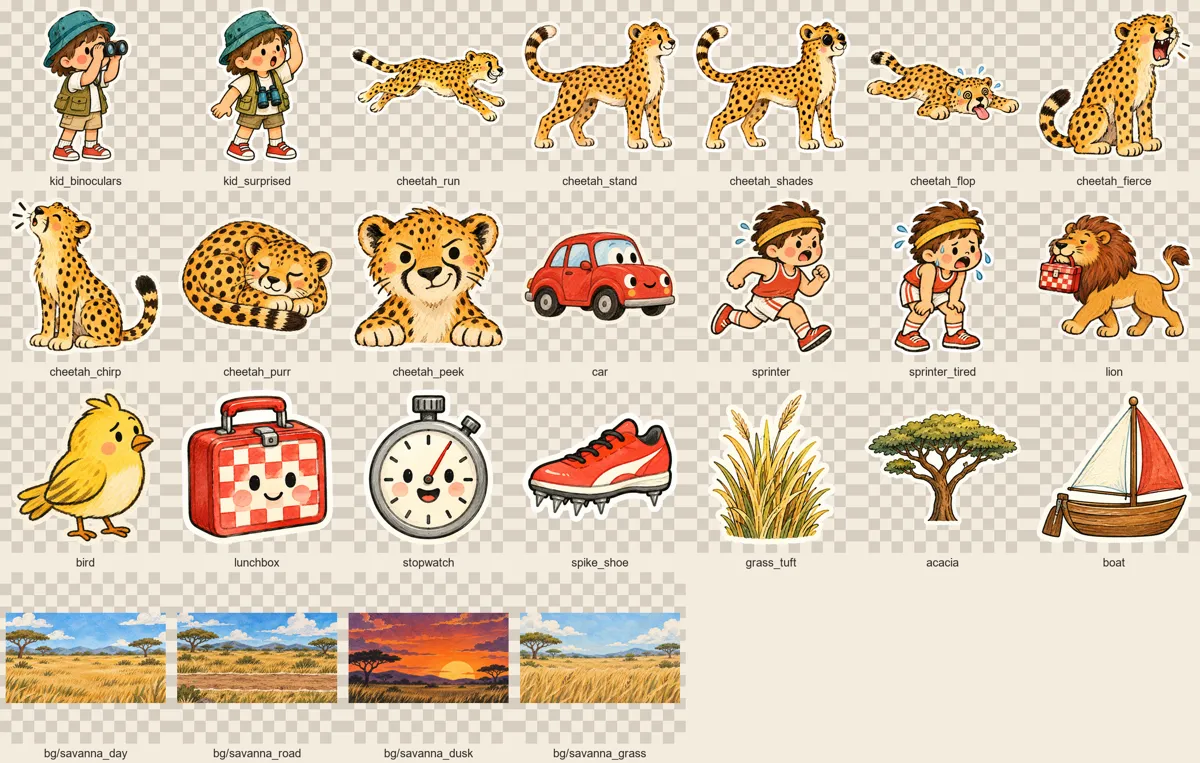
Group the lines into 6–9 scenes. For each scene give: lines covered, background, what is on screen, and the gag on each key word (what pops in, flips, falls, wiggles). Reuse characters across scenes as pose variants (e.g. cheetah_run, cheetah_flop). Then list every image I need: 10–16 single cutouts, props grouped 3 per sheet, 4–6 backgrounds, each with a lowercase file name.

STEP 4 — STORYBOARD PROMPT
Write one image prompt for a 3×3 storyboard grid (16:9 panels, numbered paper tags, the look above, the hero described exactly the same way in every panel). I'll generate it and show it to you; from then on it is the reference for characters and style.

STEP 5 — IMAGE PROMPTS
Write one prompt per image, each ending with: "…as a single paper-cutout sticker, thick white die-cut border, whole object visible with margin around it, nothing else in the image. Flat solid pure magenta (#FF00FF) background, no shadow, no ground, no text." (Magenta makes it easy to remove the background while keeping the white border — e.g. with a chroma key in CapCut or remove.bg.) Backgrounds: 16:9, no characters, no text, calm open center. Tell me to attach the storyboard as reference.

STEP 6 — VOICE AND MUSIC
Suggest 3 voice styles for a text-to-speech tool (e.g. "warm British male, dry humor, unhurried") and where a longer pause belongs (after punchlines). Then write a music prompt in English: instrumental whimsical storybook score (pizzicato, ukulele, glockenspiel, clarinet, ~100 BPM), quiet enough for a voice-over, with timed sections matching the scenes, and the exact length (video length + 2 s).

STEP 7 — EDIT PLAN
After I tell you the real length of my voice-over (or each line's start time), write an edit plan as a table: time · line · what appears or moves · how (pop-in from 0 with a slight overshoot, slide in, hop, paper-flip swap, drop with a bounce, wiggle) · sound. Rules: every reveal lands on the word it illustrates; never put everything on screen at once; characters always sway a little; each new scene slides in like a new sheet of paper over the old one; a slow 3% zoom-in during each scene. End with a 1–2 s hold on the last frame.

Start now with Step 1.
Questions
Can I use it for client or commercial work?
Yes. The skill is free for personal and commercial projects, and the videos you make are yours. You may not resell or redistribute the skill itself. Voices, images and music come from third-party services under their own terms: check that your plan allows commercial use.
What does a video cost to make?
The skill is free. You pay only for the services you use: Cartesia voice credits, your ChatGPT plan for the images and optionally a music generator.
Can I change the style or the language?
This version makes English narration in one paper-cutout storybook style. The engine, palette and prompts are plain files in the skill, so you can adapt them.
How long does it take?
Plan an evening for your first video. Most of the time goes into choosing the script and generating images; rendering a one-minute video takes a few minutes.
Want an animated video for your product?
Tell us what you need to explain and who it is for. We can help with the script, the visuals and the production.
Tell us what you’re building